
Blog · CCTV · 2 August 2026
Does Home CCTV Need Wi-Fi?
Not necessarily — it depends what you actually want the system to do. Here's what really needs an internet connection, and what doesn't.
Short answer: No, not for basic recording. A CCTV system with local recording will keep working without Wi-Fi or broadband — an internet connection is mainly needed for remote phone viewing, push notifications and cloud storage.
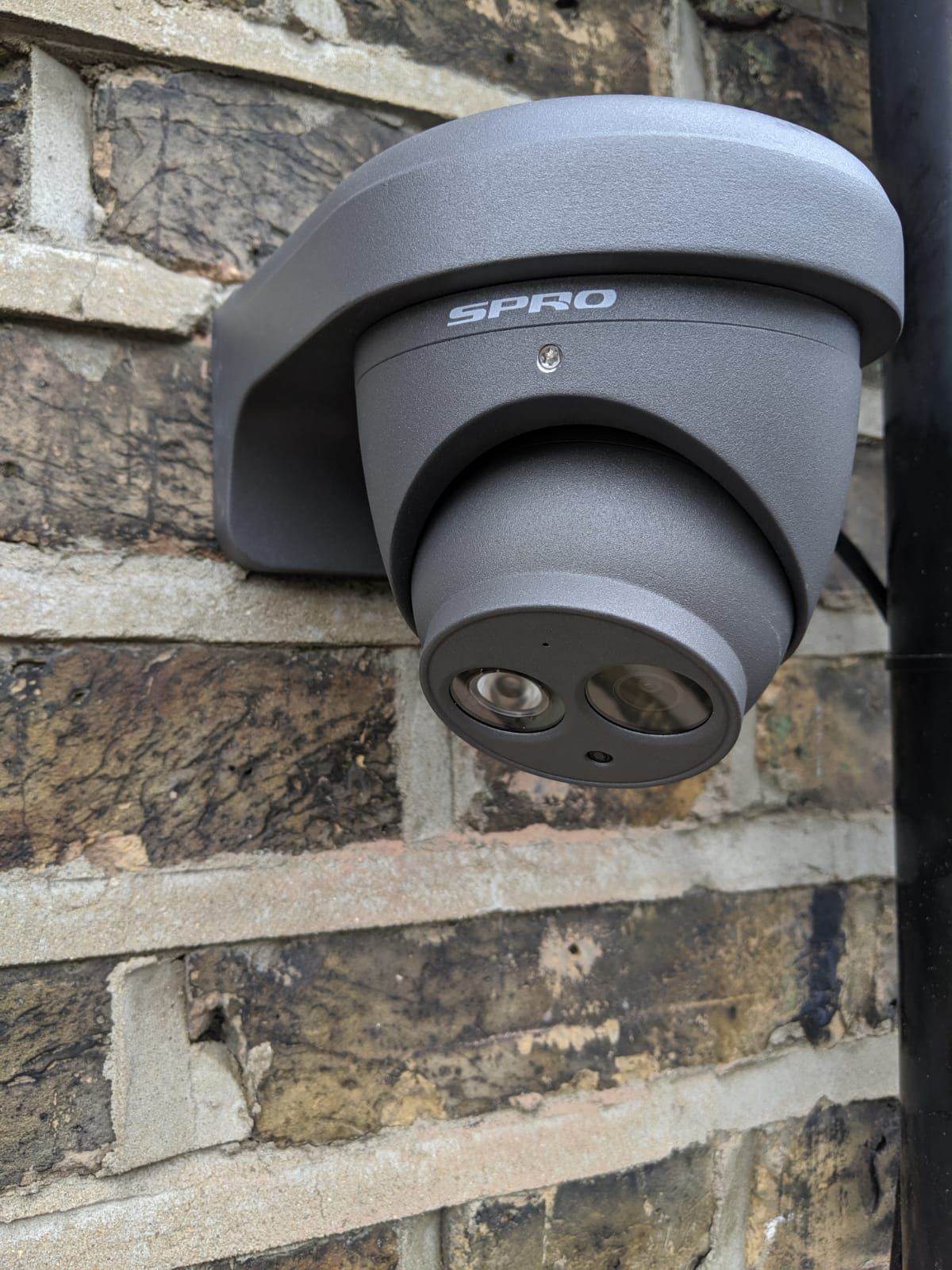
Local recording without an internet connection
Many CCTV systems record locally to a hard drive inside a recorder box, and this local recording continues to work with no internet connection at all. Internet access is generally only needed for remote features, not for the core job of recording footage.
Network video recorders and digital video recorders
Wired camera systems typically use either an NVR (network video recorder, for IP cameras) or a DVR (digital video recorder, for analogue-style cameras). Both record locally to a hard drive, and both can operate entirely without broadband if remote viewing isn't needed.
Remote phone viewing
Checking your cameras from a phone away from home does require an internet connection — either at the property (so the system can send video out) or on the recorder's own mobile connection, where fitted. Without any internet access at all, remote viewing simply isn't possible.
Push notifications
Motion alerts sent to a phone rely on the system having an active internet connection at the time the event happens. Notifications may be delayed or missed while the internet connection is unavailable, depending on the system — some queue and deliver the alert once connectivity returns, others don't. The underlying recording is normally unaffected either way if the system records locally.
Cloud features
Some systems offer cloud storage as an option or a default, keeping a copy of footage on a remote server as well as (or instead of) locally. This depends entirely on internet access and the specific provider's service, and is a separate consideration from local recording.
What happens when the broadband connection fails?
For a system with local recording, nothing changes at the recording level — cameras keep recording to the hard drive as normal. What stops working is remote viewing and any cloud upload, until the connection is restored.
What happens during a power cut?
This is a separate issue from Wi-Fi entirely. Most CCTV recorders, cameras and routers all need mains power to function, so a power cut will normally stop recording altogether unless the system has battery backup, which isn't standard on most residential installations.
Wired network connections
Cameras connected by network cable (rather than Wi-Fi) to a recorder are generally more reliable, since they aren't affected by Wi-Fi interference, distance from a router, or wireless dropouts — an important factor for cameras covering entrances or driveways some distance from the house.
Wi-Fi cameras
Wireless cameras transmit their footage over your home Wi-Fi network, but still need a power source — typically either a battery that needs periodic charging or replacement, or a permanent mains connection. "Wireless" describes the video connection, not necessarily the power supply. These cameras are generally quicker to fit without new cabling, but performance depends on Wi-Fi signal strength at each camera's location.
Mobile-data considerations
A small number of systems use their own mobile data connection rather than home broadband, which can suit detached outbuildings or areas without existing broadband — though this depends on mobile signal strength at that specific location.
Security and password considerations
Any camera or recorder connected to the internet is a networked device, and should have a strong, unique password rather than a default one. Weak or reused passwords on internet-connected cameras are a genuine and well-documented security risk.
Choosing a system based on the property, not marketing terms
"Wi-Fi camera", "smart camera" and "cloud CCTV" are marketing terms that describe very different underlying systems. The right choice depends on your property's layout, existing wiring, Wi-Fi coverage, and whether remote viewing genuinely matters to you — not which term sounds most modern.
For a fuller comparison of wired and wireless systems, see our guide: Wired vs Wireless CCTV: Which Is Better for Your Home?
Official source: Information Commissioner's Office — home CCTV systems.
AV Infusion is based in Welwyn and provides TV aerial, satellite, CCTV and TV wall-mounting services throughout Welwyn Garden City and the wider Hertfordshire area.
Frequently Asked Questions
Will my CCTV still record if my internet goes down?
If the system records locally to a hard drive, yes — recording continues as normal. What stops working is remote phone viewing and any cloud upload until the connection returns.
Does CCTV need Wi-Fi to work at all?
Not necessarily. Systems with local recording and wired cameras can function without any internet connection; Wi-Fi or broadband is mainly needed for remote viewing and notifications.
What happens to CCTV during a power cut?
Most systems need mains power to record, so a power cut will normally stop recording unless the system has battery backup, which isn't standard on most home installations.
Are wired or Wi-Fi cameras more reliable?
Wired cameras are generally more consistent since they aren't affected by Wi-Fi signal strength or interference, though Wi-Fi cameras can be quicker to install without new cabling.
Is it safe to have CCTV connected to the internet?
It can be, provided the cameras and recorder use strong, unique passwords rather than defaults — weak or reused passwords on internet-connected cameras are a known security risk.