
Blog · TV Aerials · 2 August 2026
Why Is My TV Pixelating or Freezing?
Blocky picture, freezing frames, or a channel that keeps dropping out? Several different faults can cause the same symptoms — here's how to narrow it down.
Short answer: Pixelation and freezing can be caused by a signal that's too weak or too strong, a loose or damaged connection, aerial misalignment, or interference — professional signal testing is the most reliable way to tell which.
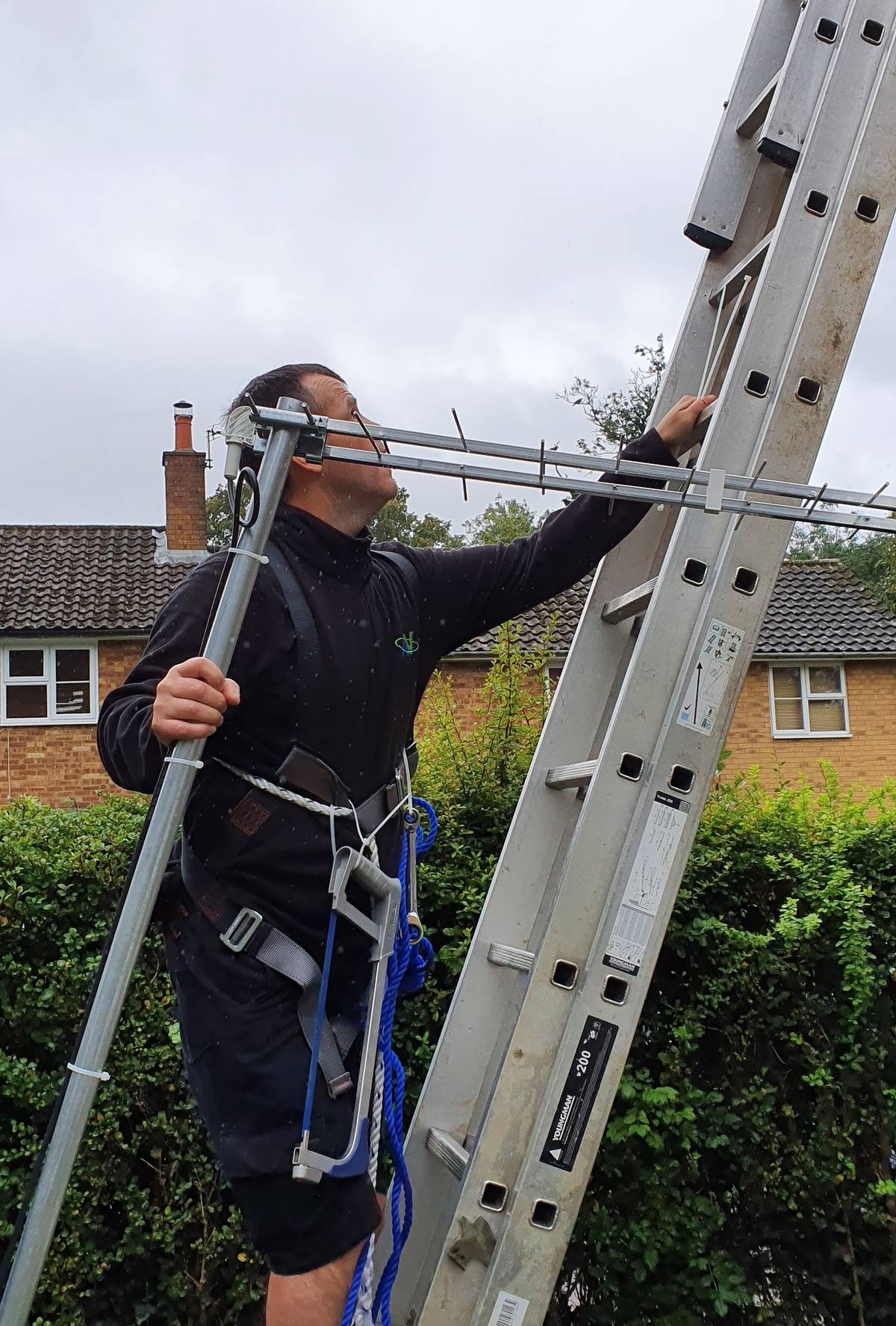
Pixelation and freezing have several possible causes, and it's rarely safe to assume just one is responsible. Possible causes include each of the following.
Weak signal
The most familiar cause — signal strength that's too low for the TV to decode reliably, especially in poor weather. This can be down to aerial position, cable length and quality, or a fault that's reduced signal from what it used to be.
Excessively strong signal
Less well known, but just as disruptive: a signal that's too strong can overload a TV's tuner just as badly as one that's too weak, causing exactly the same pixelation or freezing. This is more common close to a transmitter, or where an amplifier has been fitted that isn't actually needed.
Loose connections
A connector that isn't fully seated — at the wall plate, the TV, or any splitter in between — can cause an intermittent fault that comes and goes, which is often mistaken for a weather-related problem.
Damaged aerial cable
Cable that's been pinched, kinked, or has degraded where it runs outside is a common source of intermittent picture breakup, particularly if the damage lets moisture in gradually rather than causing a total failure straight away.
Aerial misalignment
An aerial doesn't have to be pointing wildly off course to cause problems — even a small shift from wind or a loosened bracket can be enough to drop signal quality below what's needed for a clean picture.
Water entering external cabling
Cable joints, connectors and any outdoor amplifier housing are vulnerable to water ingress over time. This often causes a fault that gets noticeably worse in or after rain, then partially recovers as things dry out.
Faulty splitters or amplifiers
If a signal is split to feed multiple TVs, a failing splitter or amplifier can degrade quality to some or all of the connected sets, sometimes affecting one room more than others depending on cable length.
Interference
Certain electrical equipment, some LED lighting, and other nearby signals can occasionally interfere with a terrestrial TV signal, usually producing an intermittent rather than constant fault.
Temporary weather conditions
Settled high-pressure weather can occasionally cause short-term interference on an otherwise healthy system, clearing on its own once conditions change. Wind is more likely to cause pixelation by physically moving or loosening the aerial rather than through the atmosphere itself, and rain is more likely to be revealing an already-damaged cable or connector than interfering with the signal directly — so it's worth noting which of these actually matches the pattern you're seeing rather than assuming "it's just the weather" covers all three.
Avoid retuning while a fault looks weather-related — a scan taken during temporary interference can drop channels that come back once conditions clear.
Why only certain channels may be affected
Freeview channels are broadcast across several different multiplexes, each on a different frequency and sometimes a different power level. A fault that affects one frequency more than another — for example a cable joint with a specific weak point — can mean some channels break up while others stay perfectly clear.
Why several TVs may behave differently
Where one aerial feeds multiple TVs through a splitter, each output can lose slightly different amounts of signal depending on cable length and the quality of the splitter itself. This is why one TV in the house can pixelate while another, fed from the same aerial, stays clear.
Safe checks before calling an engineer
- Check all visible cable connections are firmly pushed in
- Note whether the fault happens on specific channels only, or across all of them
- Note whether the fault gets worse in wind or rain
- Check whether it affects one TV or all of them
- Restart the TV and any set-top box fully from the mains
When professional signal testing is needed
Because so many different faults produce the same symptom, guessing rarely saves time. Professional signal testing measures actual signal strength and quality at the TV, which quickly distinguishes between an aerial problem, a cabling fault, an amplifier issue, or the television itself — rather than replacing parts on a hunch. Our TV aerial installation & repair service includes proper signal testing as standard.
Official source: Freeview — what to do about a weak signal.
AV Infusion is based in Welwyn and provides TV aerial, satellite, CCTV and TV wall-mounting services throughout Welwyn Garden City and the wider Hertfordshire area.
Frequently Asked Questions
Does pixelation always mean a weak signal?
No. A signal that's too strong can cause identical symptoms to one that's too weak, which is why guessing at the cause rarely works as well as an actual signal test.
Why does my TV only pixelate on some channels?
Freeview channels broadcast on different multiplexes and frequencies, so a fault affecting one part of the signal can leave other channels unaffected.
Why does one TV in my house pixelate but not another?
Where an aerial feeds several TVs through a splitter, signal loss can vary between outputs depending on cable length and splitter quality, so each TV can behave slightly differently.
Can I fix pixelation myself?
Simple checks like firming up connections and restarting equipment are worth trying first, but ongoing pixelation is best diagnosed with proper signal testing rather than guesswork.
Does rain really affect a TV aerial signal?
Yes, heavy rain or snow can cause temporary signal breakup, especially where the signal strength was already borderline. It should clear once the weather passes.